Why is Turtle Beach Stealth 700 Gen 2 not Working
Learn why is Turtle Beach Stealth 700 Gen 2 not Working and discover easy fixes for connection, firmware, and audio issues.
- Wireless connection problem
- Firmware needs update
- USB transmitter issue
- Audio settings incorrect
- Software compatibility error
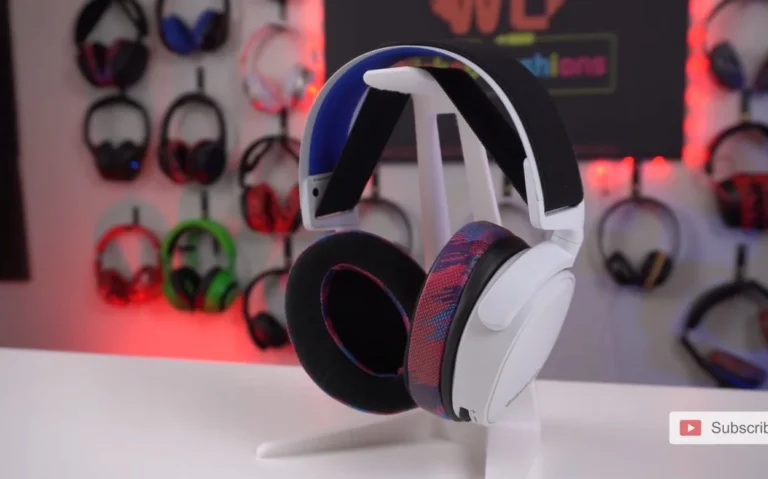
Turtle Beach Stealth 700 Gen 2 is a famous gaming headset that is wireless, has an immersive sound, is comfortable, and has a long battery life. Nevertheless, it, just as any device, may not turn on or work correctly. The knowledge about the potential reasons is critical to continuous gaming and the continued use of the headset in its best form by recreational and professional gamers.
This manual discusses the possible causes of the Stealth 700 Gen 2 to no longer work, such as battery malfunctions, connection problems, software errors, and hardware malfunctions. Moreover, they give practical solutions and preventive tips that would enable gamers to keep their headset in good condition in order to experience continuous gaming time.
Battery & Charging Issues
A dead or broken battery is one of the most common problems that could cause Stealth 700 Gen 2 to fail to start. In the case of a long period of inactivity of the headset, it is possible that the battery is completely discharged. The solution is usually to connect it to the given USB charging cable and charge it to the full before use. A full charge headset is normally capable of delivering continuous performance even when playing long games.
Another important thing is to check the charging cable and port on whether they are damaged or dirty. A damaged cable, loose connection, or something stuck in the charging port may not allow the charging to take place. The original charging cable is useful in keeping the port clean to preserve battery health. Malfunctions caused by power can be avoided by regular charging and not letting the battery run out.
Connectivity Problems
The headset can fail to work due to wireless connectivity problems. Make sure that the USB wireless transmitter is firmly inserted in the console or PC and the headset is within a range. The connection may be interrupted by other wireless devices or even physical barriers which might make the headset seem to be unresponsive. Such problems can be solved by adjusting the position of the transmitter.
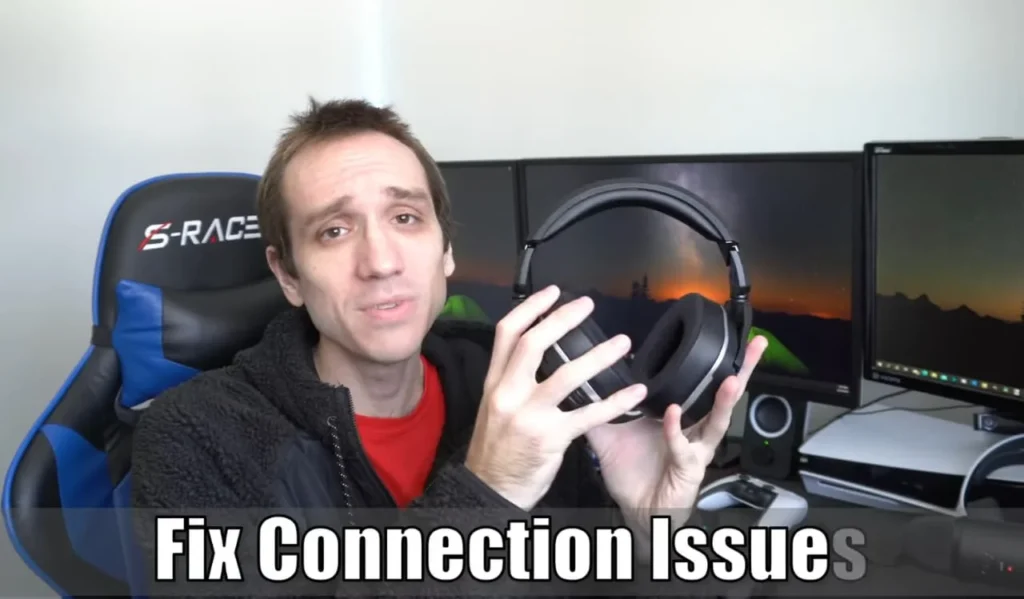
The transmitter and the headset may also have pairing errors which can cause issues. It may be required to stop the headset and transmitter and turn them on again in order to have a stable connection once again. It can be seen that minimization of other wireless devices during the pairing process can enhance connectivity and avoid future interference ensuring a reliable and lag-free audio experience.
Software & Firmware Updates
The functionality of the headset may be disturbed by the firmware or software problems. Obsolete firmware may cause glitches or may not start the device. The Turtle Beach software or console updates can also be used to install the most recent firmware to enable the headset to be reliable. It is important to maintain the software regularly and eliminate the known bugs and improve stability.
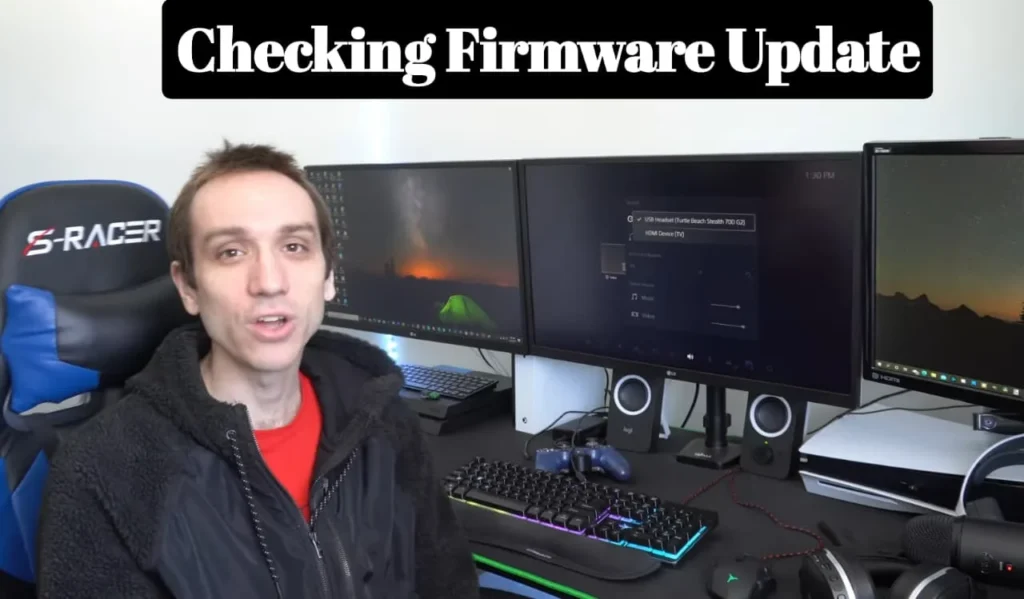
Sometimes the console or PC drivers would also require updating. Maintaining all the software used is an important way of avoiding conflict that may interfere with the performance of the headset. The restart of the headset can occasionally fix some troublesome problems and give it back to its usual functionality and functioning.
Hardware Problems
The Stealth 700 Gen 2 can malfunction due to physical damage including broken buttons, internal component failure, or overuse. The damage to the headset can be avoided by carefully examining it and ensuring that it is handled carefully. It is essential to prevent drops or contact with moisture to ensure performance and long life.
In case of any hardware related suspicion and Turtle Beach headset is still under warranty, it is advisable to call the Turtle Beach support to get it fixed or replaced. It is dangerous to attempt to repair hardware problems on your own and this may potentially invalidate the warranty and even make the problem worse. Professional help is a guarantee of safe repair and restores the device to its appropriate working state.
Preventive Tips & Maintenance
Most common problems may be prevented by regular maintenance. Wipe the headset and ensure that it is cleaned around the charging port and buttons and kept in a protective case where not in use. Charging the battery to full capacity and then storing and not keeping it off charge for long durations are some of the ways of maintaining the health of the battery.
Performance can be ensured by checking firmware updates, using original cables and minimizing wireless interference. The risk of malfunctions is minimized by making sure that the headset is properly handled, does not drop, and is kept in a clean place. These precaution measures will provide an effective and sustainable gaming experience with Turtle Beach Stealth 700 Gen 2.
Care Tips Table
| Tip | What to Do |
|---|---|
| Charge fully | Plug in for 2–3 hours |
| Try another cable | Use original/known-good USB-C cable |
| Clean charging port | Gently remove dust/lint |
| Reset power | Hold power button ~10–15 sec |
| Try different power source | Use wall adapter, not PC hub |
My Personal Experience
I recently ran into an issue when my Turtle Beach Stealth 700 Gen 2 suddenly stopped working during a gaming session. The headset wouldn’t connect properly, and the audio kept cutting out even though it was fully charged. It was frustrating because I rely on this headset for immersive gaming and clear team communication.
After some troubleshooting, I realized the issue was related to connectivity and firmware. Once I reset the headset and updated the firmware, everything started working normally again without any problems.
You May Also Like
FAQs About Why is Turtle Beach Stealth 700 Gen 2 not Working
Conclusion
The Turtle Beach Stealth 700 Gen 2 can break down because of battery, connection, software, or hardware problems. With careful inspection of every possible cause, such as charging status, wireless connection, software updates, and hardware condition, the majority of the problems can be solved in a short period of time. Preventive care also keeps the headset in a good condition to continue playing without any interruption, and also to play the audio without problems.
When well maintained and updated, the Stealth 700 Gen 2 is a source of immersive sound and comfort, as well as a dependable performer. These troubleshooting steps can keep gamers having a smooth gameplay regardless of the type of battle they are playing in a tournament or just having fun together.