Why Is SteelSeries Arctis Nova Pro Not Turning On: A Complete Guide
Find out Why Is SteelSeries Arctis Nova Pro Not Turning On and learn easy fixes for battery, charging dock, and firmware issues.
- Battery not seated properly
- Battery completely drained
- Charging dock issue
- Power button malfunction
- Firmware or software error
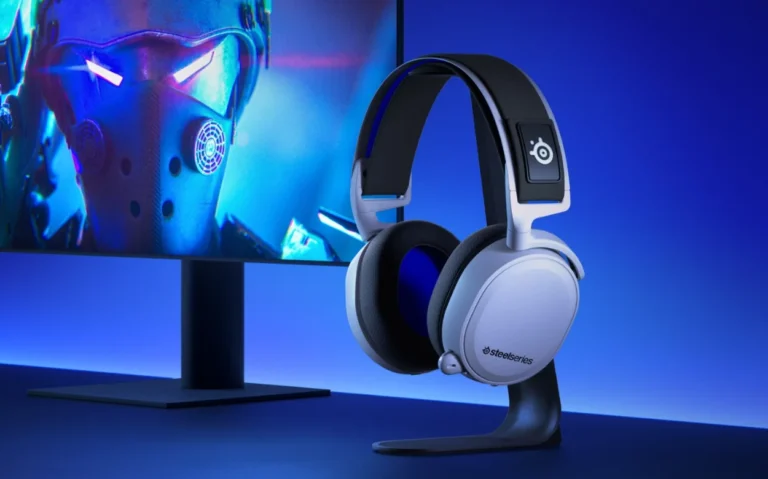
SteelSeries Arctis Nova Pro is one of the best gaming headsets with high-quality audio and superior comfort. Irrespective of its quality, there are users who end up with the annoying problem of the headset failing to boot up. This may disrupt the game and have a general impact. Knowing the possible reasons and learning effective solutions would guarantee gamers can troubleshoot, quickly and get the headset operational again to continue playing without the need to have excess delays and technical issues.
Problems associated with power are usually as a result of battery issues. Although the battery life is long, it might run out of charge when the headset is not used over some time. It is important to charge the device with the original charging cable. This is due to the regular charging habits that allow the devices to avoid unexpected failures and ensure consistent performance. It is also necessary not to use third-party chargers because in this case, the incompatibility of the sources of power can lead to the inability to turn on the headset.
Checking the Power Button and Connection
The power button will not work unless it is pressed properly. The headset may fail to be activated by a short or light press. To start correctly, the user is expected to hold the button as indicated by the manufacturer. Proper management of the buttons minimizes wear and ensures that the headset is turned on every time. It is important to know how the device reacts to power commands so that one avoids needless troubleshooting and frustration.
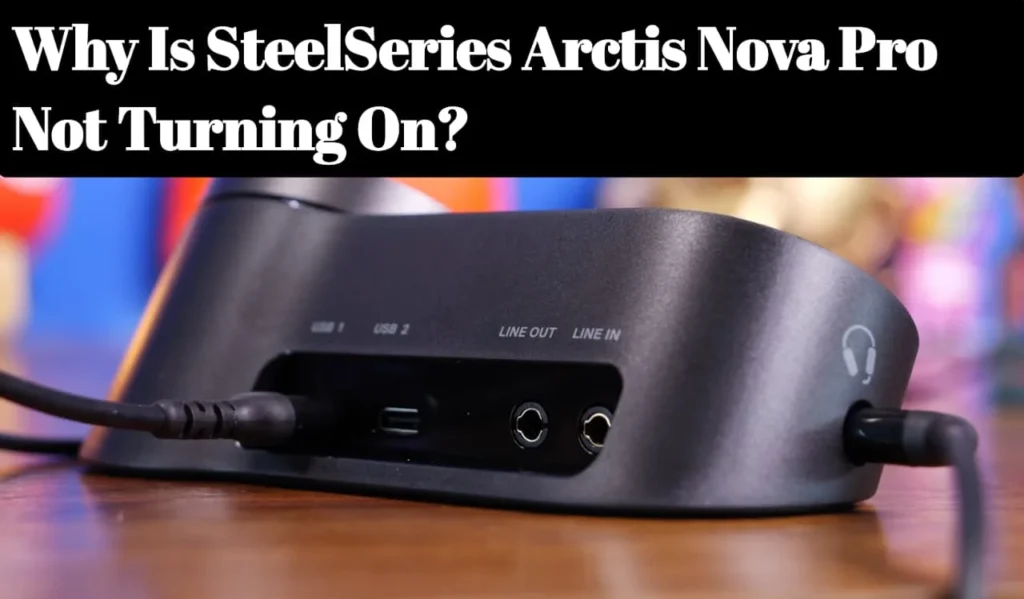
The headset may also stop responding due to connection problems. Arctis Nova Pro is based on a stable connection with its wireless transmitter or dongle USB. Weak connections, loose connections or interference can stop start up. The issue is usually solved by making sure that the dongle is well attached and that a clear line of sight is maintained. A wireless connection often can be rebooted and brought back online without involving complicated fixes.
Battery and Charging Troubleshooting
The headset does not start up because of faulty charging cables or blocked ports. The user is expected to check the cable whether it is damaged or not and make sure that the port is clean and dust-free. The official SteelSeries cable will ensure that it is charged appropriately. Adequate maintenance of the charging parts will eliminate instances of recurrence and will enable the headset to be used during extended play without failures and delays.
To re-calibrate the battery and make it responsive, it can be sometimes performed in a full charge cycle. This is by completely charging up the headset and discharging it and then recharging once more. This can be useful to many users when the device is seemingly dead even though it is plugged to power. Regularity of charging the headset means that it will work properly and deliver continuous high quality audio when playing a game.
Firmware and Software Updates
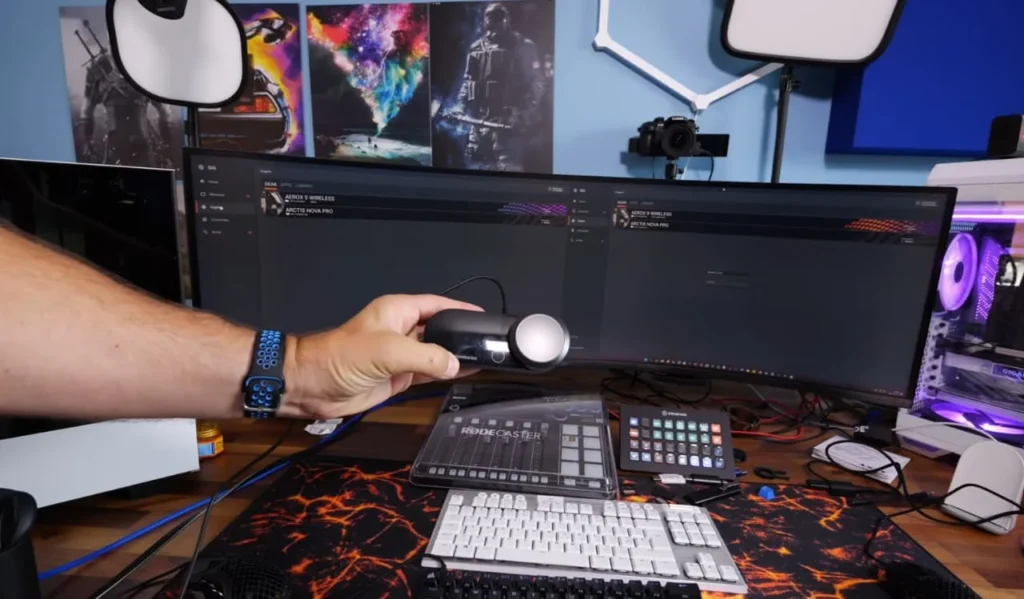
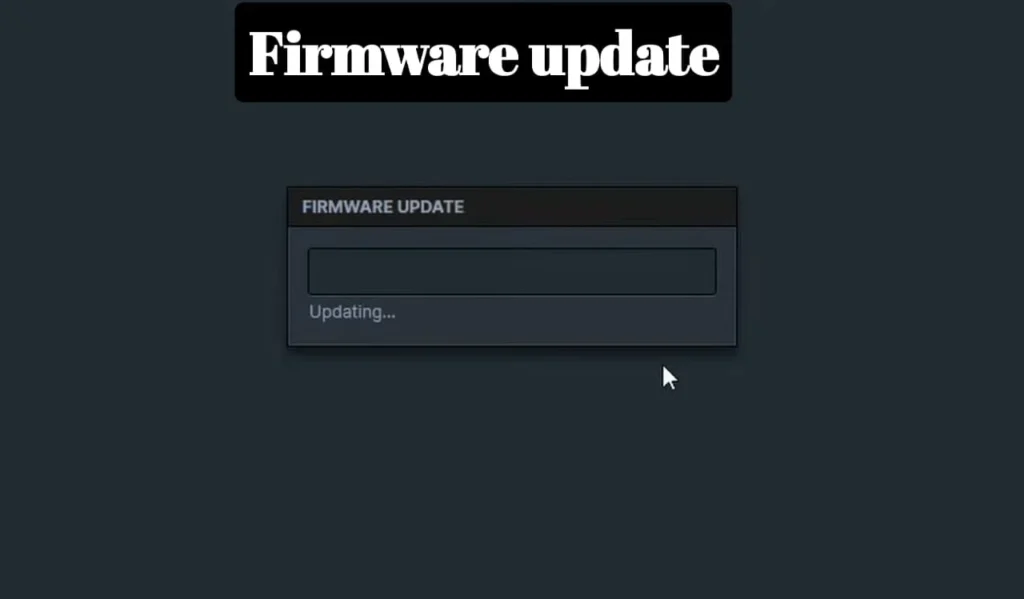
The Arctis Nova Pro might not boot up or even work without an update to the outdated firmware. SteelSeries also keeps updates regularly in order to enhance stability and correct bugs. When the headset is connected to the SteelSeries Engine software, one can check updates and install them. Maintaining the firmware can guarantee a more efficient performance, compatibility, and minimizes the chances of startup problems or connection problems due to software conflicts.
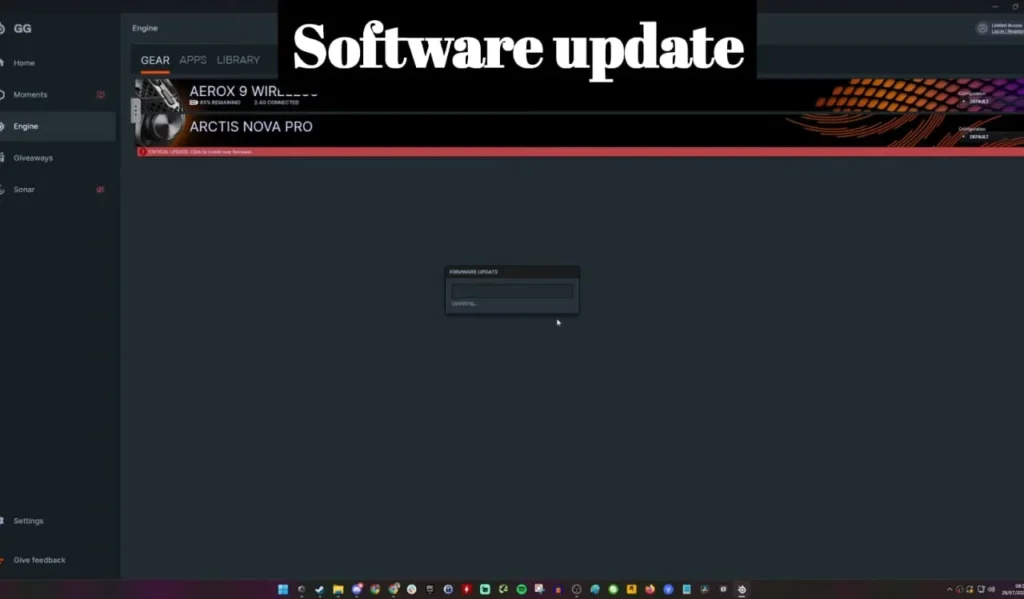
Headset operation may also be affected by software conflict on the PCs or consoles. The device recognition can be affected by audio drivers, system updates or other programs. These problems can be fixed by checking the driver updates or re-installing SteelSeries Engine. The normal functioning is usually restored by restarting the system after an update. Staying up to date with software is a guarantee of effective interaction between the headset and the devices to which it is linked.
Hardware Issues and Factory Reset
There are cases when the root cause of the headset not starting is hardware faults. Batteries, interior circuits or power buttons can become old with time. In case of failure of troubleshooting, it is recommended to contact SteelSeries support. Professional advice will help to do the repair or replacement correctly, avoiding additional harm and increasing the working life of the headset to be used effectively in the future.
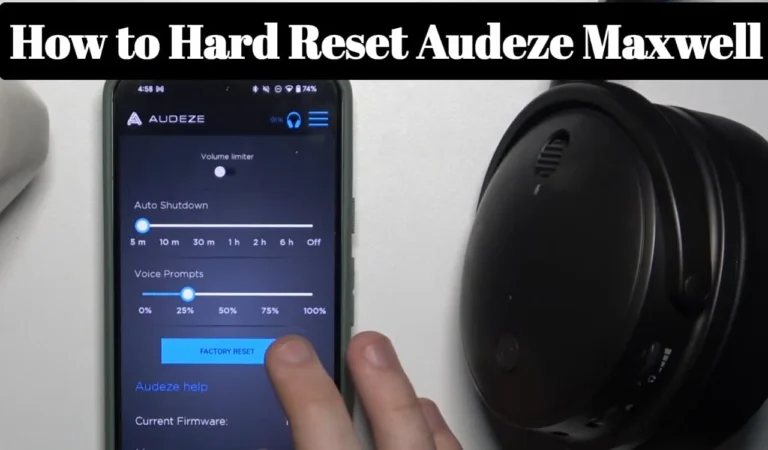
A factory reset can also be useful in remedying internal errors. Restoring Headset returns the headset to default settings, and removes configuration glitches or firmware problems that may cause the headset to not boot. Official SteelSeries instructions are to be used to make a safe reset. An effective factory reset is usually able to reboot unresponsive headsets and enable them to be used as usual without the danger of permanent damage or data loss.
Environmental and Usage Factors
The high temperatures may also cause the battery to malfunction and will not allow the powering up of the headset. The SteelSeries Arctis Nova Pro can shut down temporarily when used under extreme hot or cold temperatures. Maintaining the headset in optimum temperatures assists in the preservation of the battery and stable operation. The awareness of environmental conditions guarantees the consistency of functionality in the case of long gaming sessions.
Connectivity and startup can also be disrupted by wireless interference by neighboring devices. Other wireless devices such as routers, smartphones or other wireless devices may interfere with the signal between the headset and dongle. It is advisable to maintain the setup area without interference to enhance the performance and make the headset look not unresponsive. Minimizing external disruptions will guarantee the continuity of the process and a smooth gameplay.
Care Tips Table
| Tip | What to Do |
|---|---|
| Charge fully | Plug in for 2–3 hours |
| Try another cable | Use original/known-good USB-C cable |
| Clean charging port | Gently remove dust/lint |
| Reset power | Hold power button ~10–15 sec |
| Try different power source | Wall socket instead of hub |
My Personal Experience
I recently faced a serious issue when my SteelSeries Arctis Nova Pro suddenly refused to turn on. I tried pressing the power button multiple times, swapping batteries, and reconnecting the base station, but nothing worked. It was frustrating because this headset is essential for my gaming and work setup.
After troubleshooting, I discovered the problem was related to power and battery detection. Once I properly reseated the battery and checked the charging dock connection, the headset powered on and started working normally again.
You May Also Like
FAQs About Why Is SteelSeries Arctis Nova Pro Not Turning On
Conclusion
A SteelSeries Arctis Nova Pro headset that fails to boot-up is irritating, although the majority of the problems are easy to resolve. A battery, power button, connection, firmware and environmental check-up normally resolves the functionality. Continued hardware problems ought to be resolved by SteelSeries support. These steps will allow gamers to have quality audio, continuity in the gameplay and the headset will be in a good state to be used over a long period of time.